
Pest control invoicing software

Pest control invoicing software that finishes the invoice at the door.

RouteVectr builds the invoice a pest control job actually needs: the products you applied with their EPA registration numbers, the pests, the areas treated, both signatures and a card payment, written on the tech's phone before the truck leaves the driveway.

Join the waiting list
  • EPA numbers fill in from your product list
  • No per-invoice fees, and no fee added to card payments
  • Opens December 1, 2026
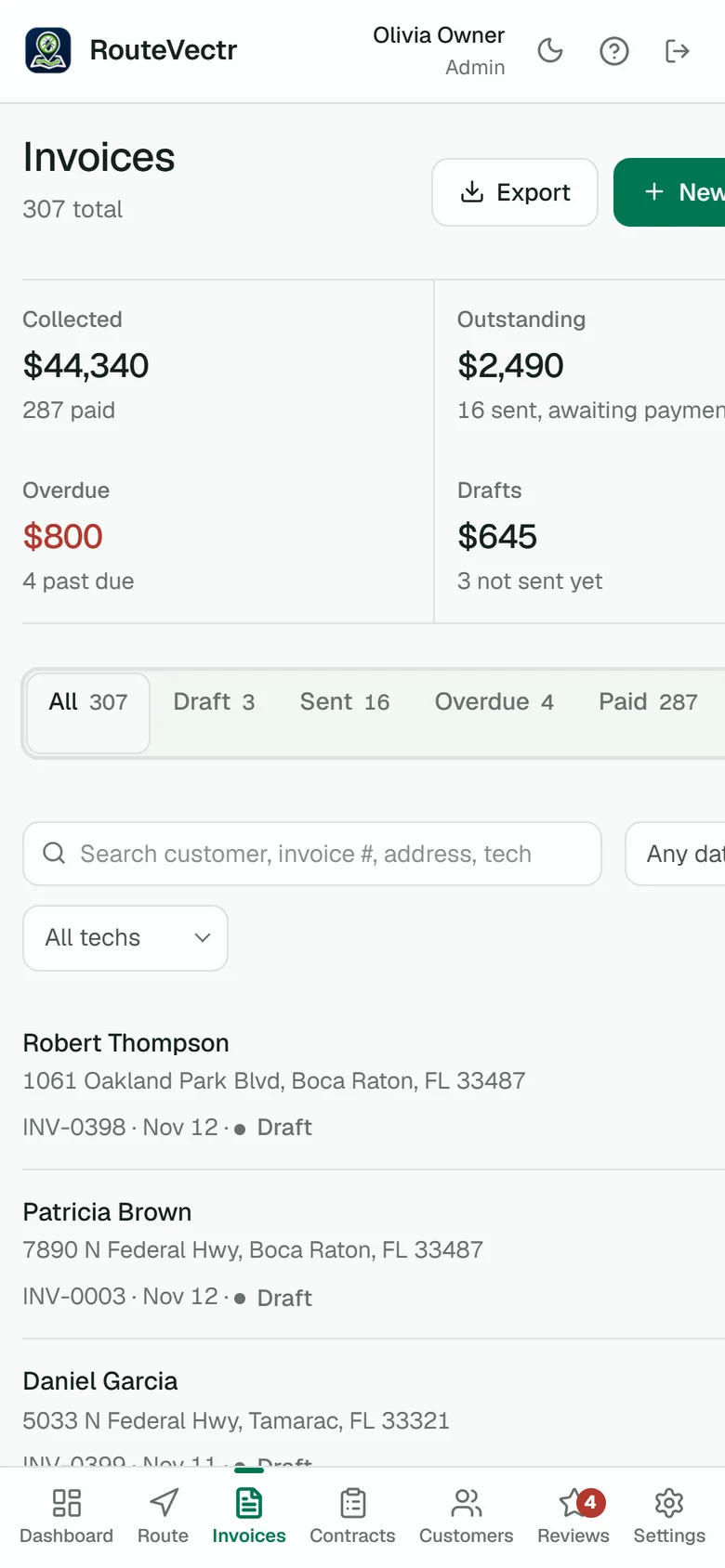
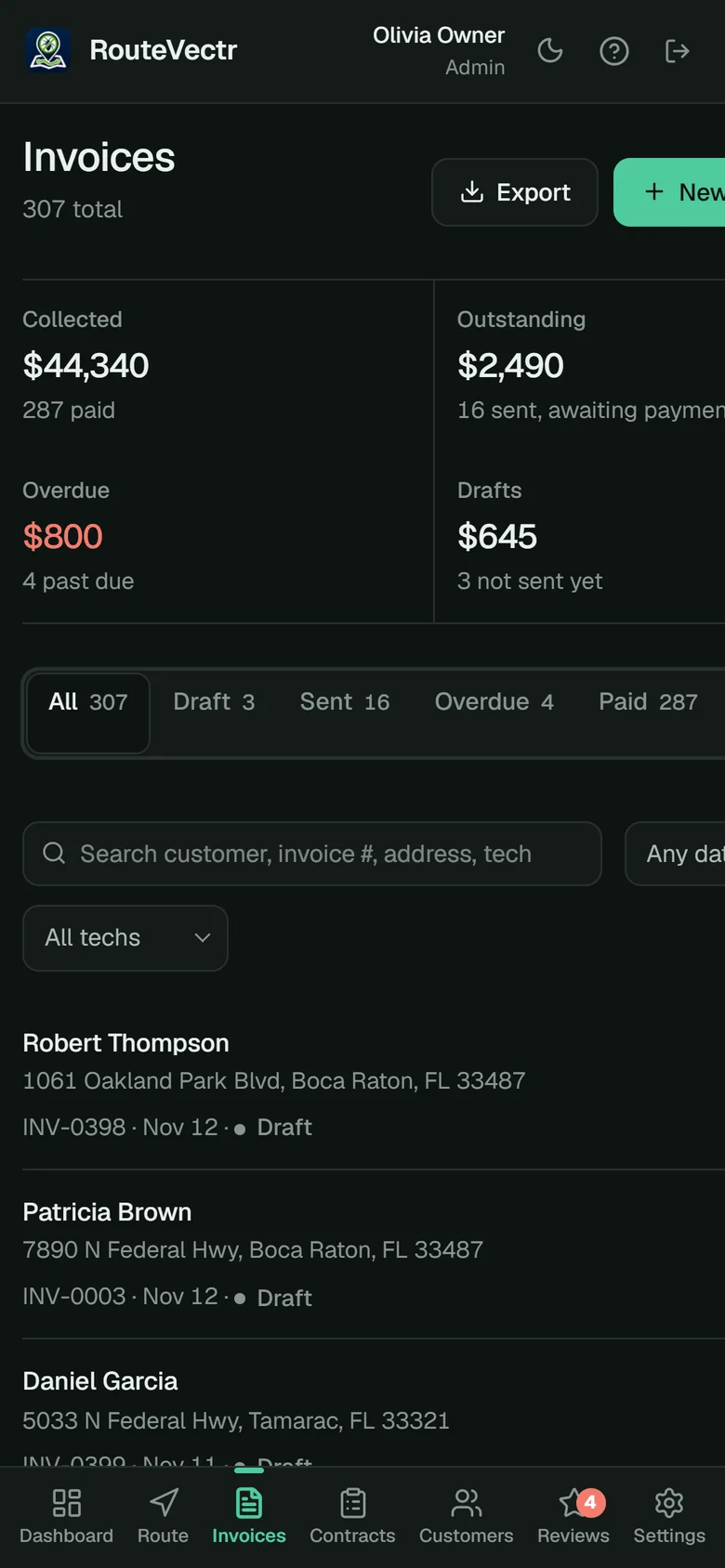
The Invoices screen on a phone: collected, outstanding, overdue and draft totals with recent invoices.
What it has to carry

A pest control invoice is a service record, not just a bill.

A general invoicing app knows a price and a customer. A pest control invoice also has to show what was applied, where and why, because it doubles as the record your state can ask to see.

Products and EPA numbers

Every product applied, its EPA registration number and the amount used. Texas, for example, lists "names of pesticides and EPA registration numbers" among the required use-record items.

Target pests and areas

What you treated for and where: kitchen, attic, exterior perimeter. It answers the customer's "what did you do?" and the inspector's too.

Signatures and the tech

The customer's and the technician's signatures, the date and who did the work, with their license number where your state asks for it.

Price and payment

What it cost, how it was paid and what is still owed, with a pay link so the balance does not sit for weeks.

EPA records

Pick the product. The EPA number fills itself in.

Your product list holds each product's EPA registration number, so the tech searches by name and the number lands on the invoice with the amount, the pests and the areas. It starts with a list of 38 common national products, and you can look up any other product from the EPA's label database.

  • Search products by name in the field
  • EPA registration number, amount and areas on every line
  • Add your own products and hide the ones you never use
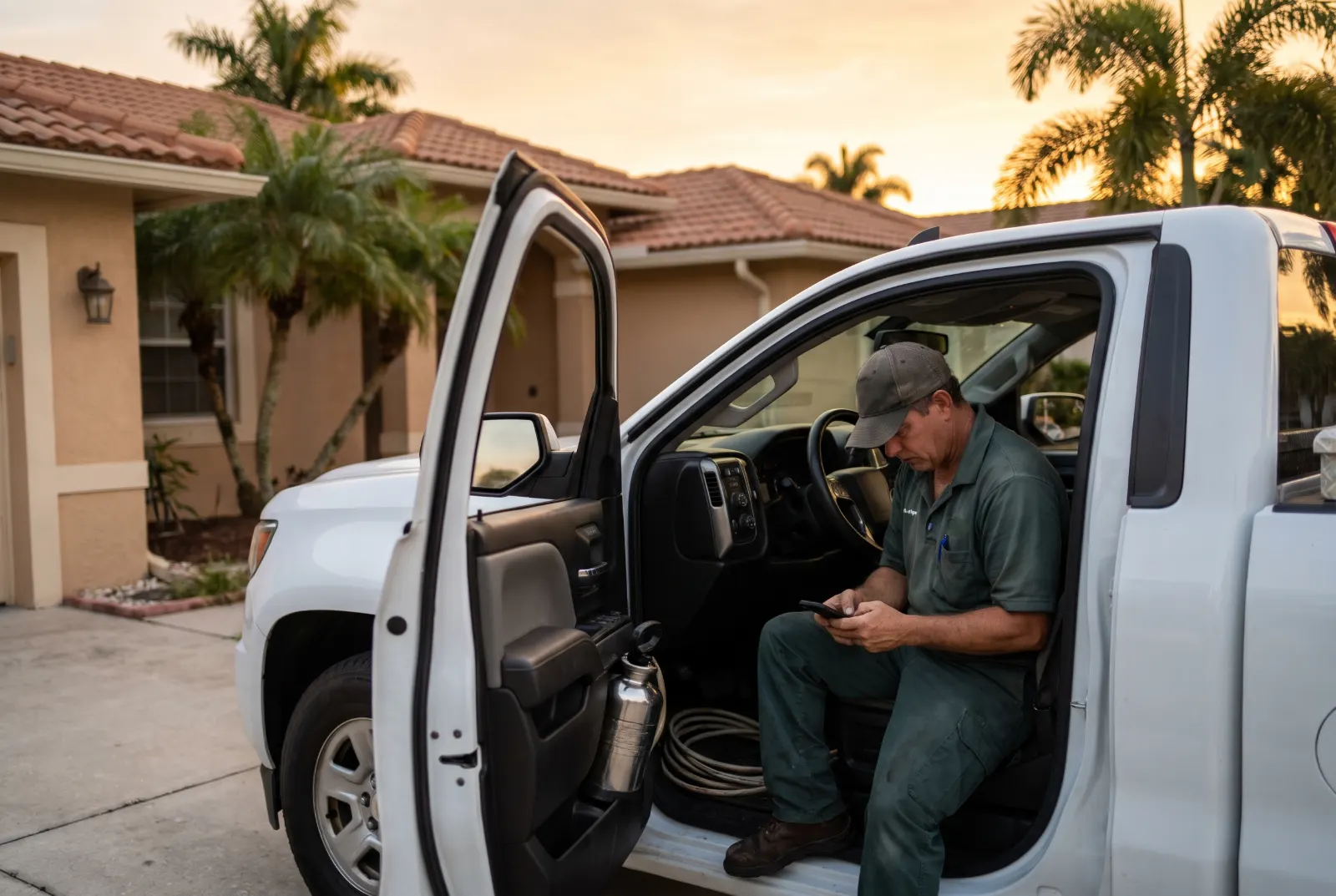
A pest control technician sits in his service truck in a customer's driveway, finishing the invoice on his phone.
Fill it in

Or say what you did and let the invoice fill itself in.

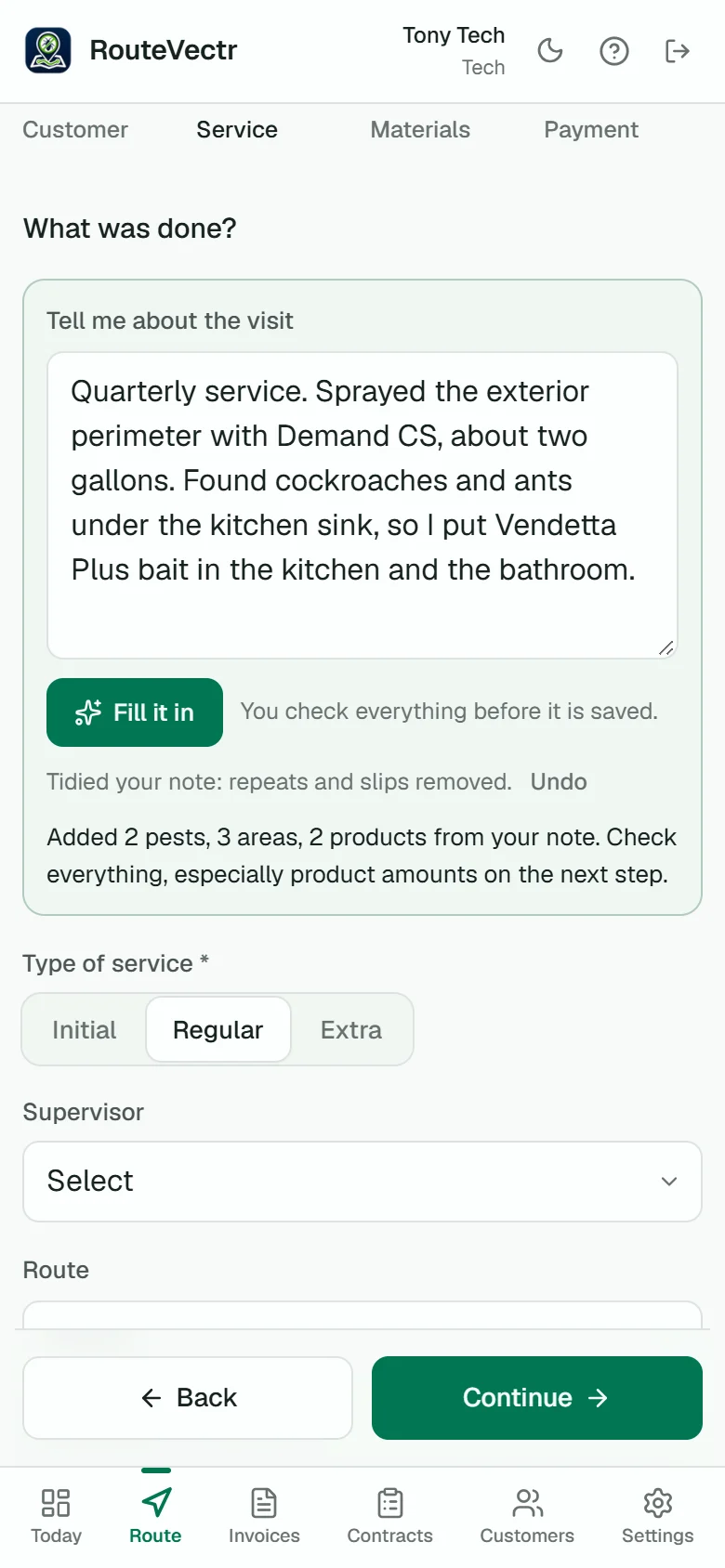
The tech talks into the phone's keyboard mic: what they treated, where and with which products. Fill it in picks the pests, areas and products from your own lists and tidies the note. Nothing is saved until the tech checks it.

  • Amounts it heard stay flagged until the tech confirms them
  • EPA numbers come from your product list, never the AI
  • Owners switch it on or off for the company
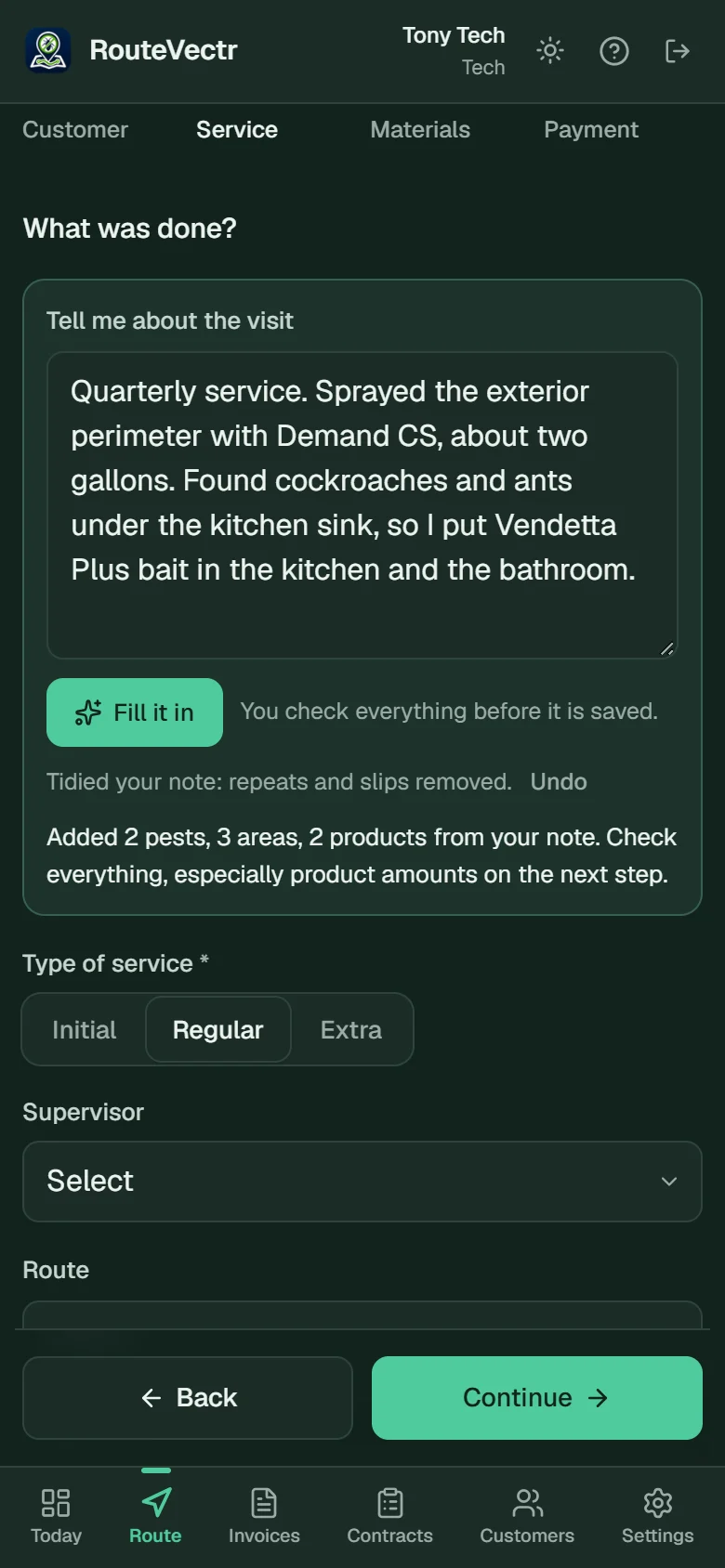
The invoice form after Fill it in, with the tidied note and the pests, areas and products it added.
Paid at the door

Signed, emailed and paid before you leave the driveway.

The customer signs on the tech's phone and the invoice is in their inbox right away, with a pay link. Card payments go to your own Stripe account. RouteVectr adds no fee on top; Stripe's standard processing rate is the only charge.

  • Customer and technician signatures
  • Pay link on every invoice; it marks itself paid
  • Autopay for contract customers who save a card
  • Cash and checks recorded by the tech who took them
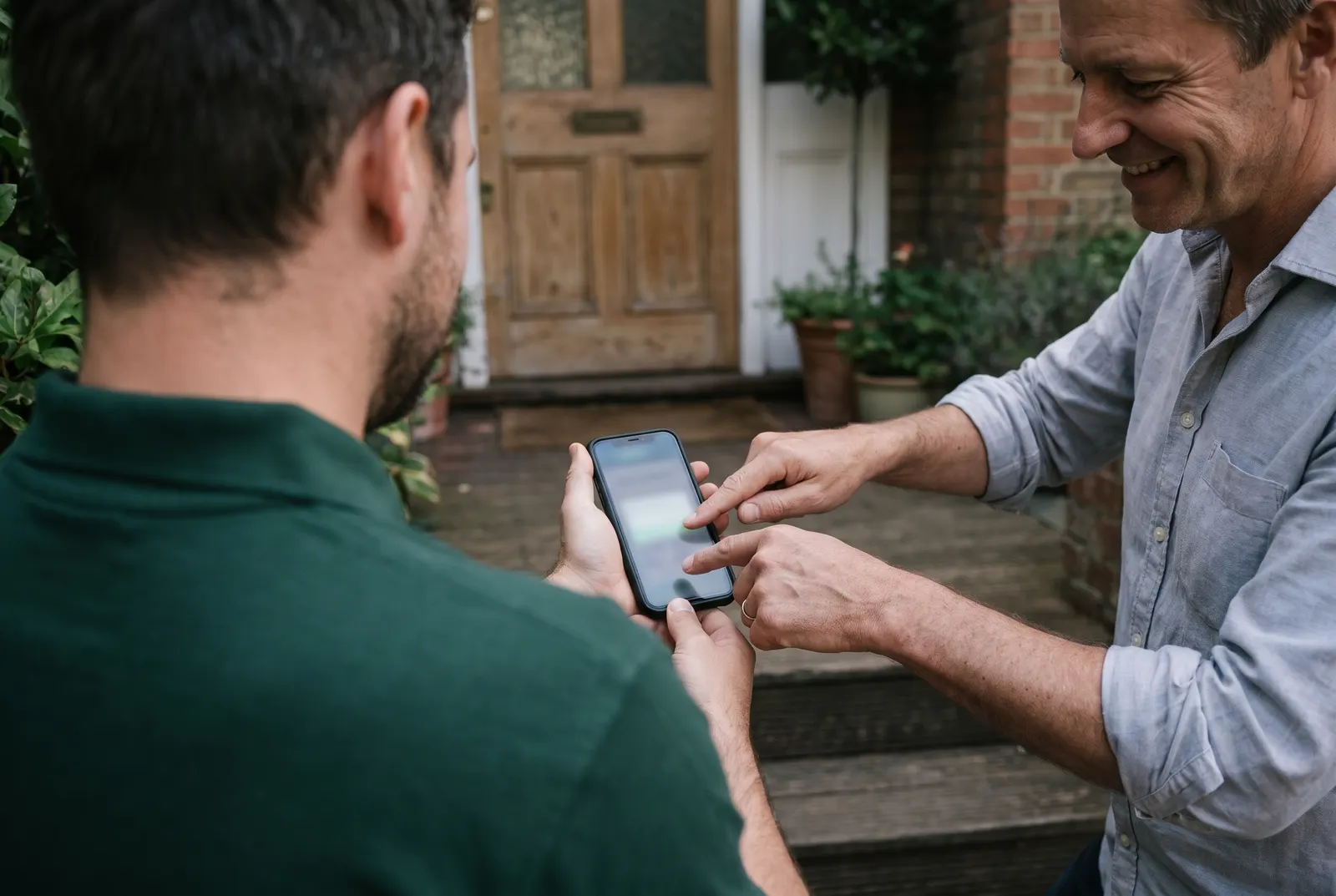
A homeowner signs with a fingertip on a phone held by a technician at the front door.
Getting paid

Know what is owed without opening a spreadsheet.

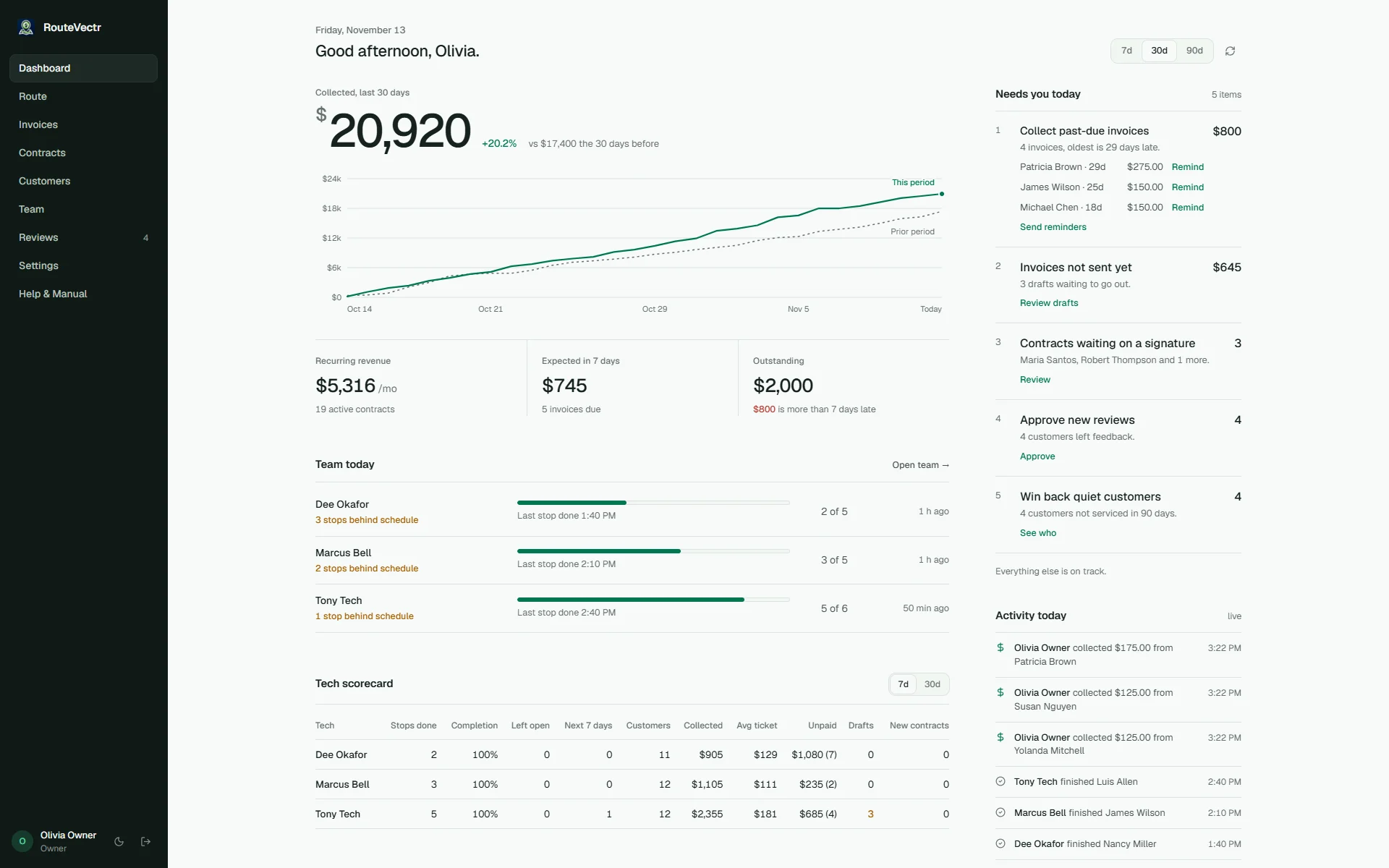
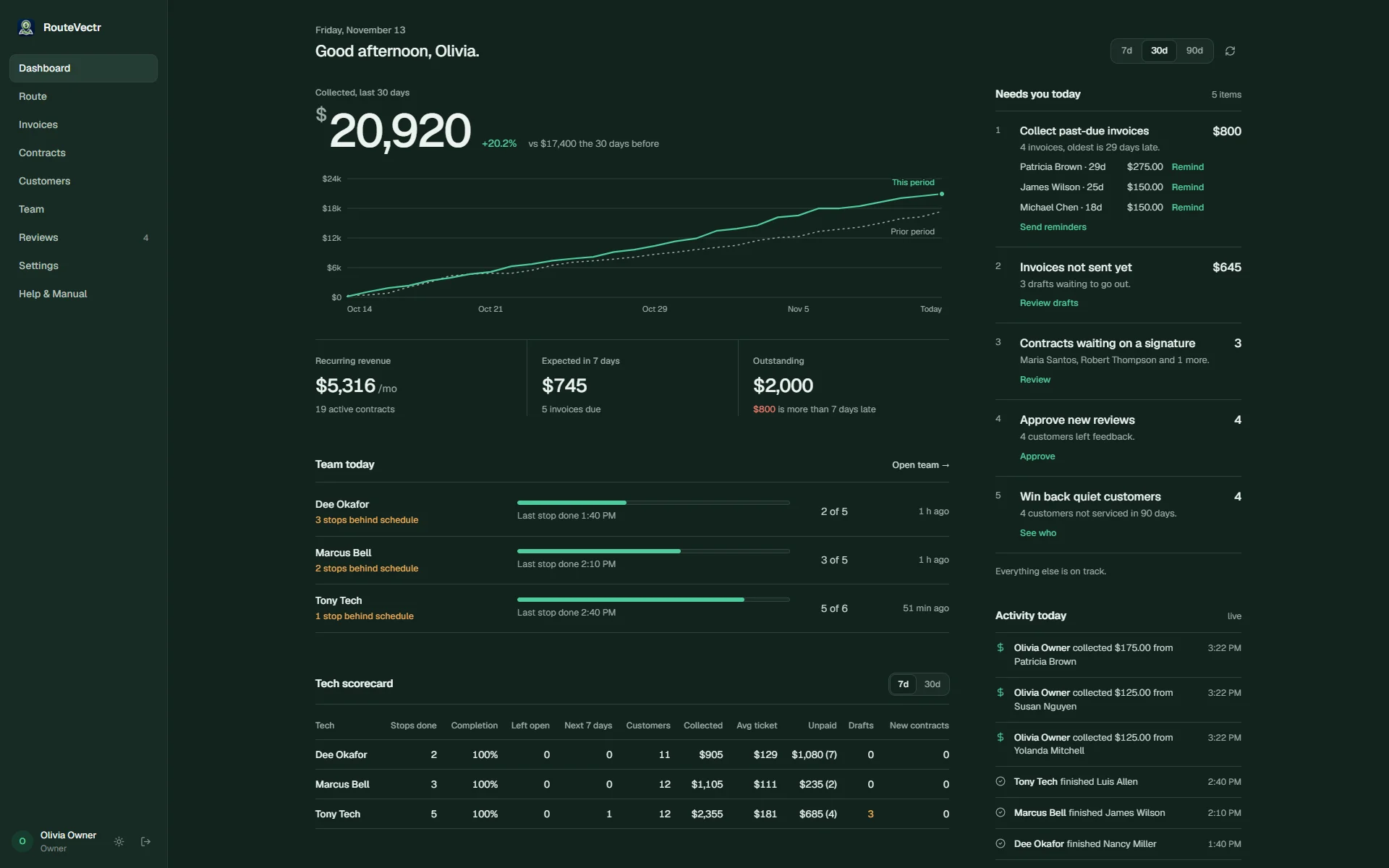
The dashboard shows what you collected, what is outstanding and what is late, with a one-tap reminder for each past-due invoice. No more chasing a check for work finished weeks ago.

  • Collected, outstanding and overdue totals
  • Past-due list with one-tap reminders
  • Drafts that never went out, flagged
app.routevectr.com
The owner dashboard with money collected, outstanding invoices and a Needs you today list.
Side by side

A general invoicing app vs. RouteVectr.

On the invoiceA general invoicing appRouteVectr
EPA registration number per productA custom field you type in each timeFills in from your product list
Target pests and treated areasFree text in the notesPick lists, saved on the customer record
Written in the fieldOften finished later at a deskOn the tech's phone, by tapping or talking
Customer signatureVariesOn the tech's phone at the door
Fees on card paymentsSome add a per-payment fee on top of processingNone added; Stripe's standard rate only
Recurring serviceRepeat invoicesContract visits that put themselves on the route
Questions

Invoicing questions owners ask.

Do I pay per invoice?

No. Every RouteVectr plan is a flat monthly price. Send ten invoices or ten thousand and the bill does not change. See the plans.

What does it cost to take a card payment?

Card payments run through your own Stripe account at Stripe's standard processing rate. RouteVectr does not add a fee to the payment, and the money goes to your account, not ours.

Where do the EPA numbers come from?

From your company's product list. It starts with 38 common national products, and an owner or admin can look up any other product in the EPA's label database and add it. The AI in Fill it in never supplies an EPA number.

Do my techs need to install an app?

No. RouteVectr runs in the browser on any modern phone and can be added to the home screen like an app.

Can I keep the invoice as my application record?

Each invoice keeps the products, EPA numbers, amounts, pests, areas, date and technician, which covers the items many states ask for. Requirements differ by state, so check your state's rule for anything extra it lists.

Launching December 1, 2026

Be first on the route when RouteVectr opens.

Join before launch and $97 a month is locked in for as long as you stay. You get your setup link on launch day. We set everything up for you, and your 14-day free trial starts when it is live.

00Days
00Hours
00Min
00Sec

14-day free trial. No contract, cancel anytime. We'll email you when RouteVectr opens.